Physical Address
304 North Cardinal St.
Dorchester Center, MA 02124
Physical Address
304 North Cardinal St.
Dorchester Center, MA 02124
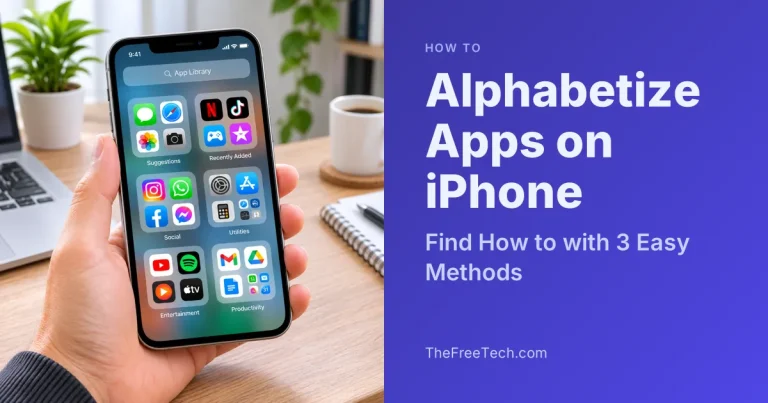
You have the option of arranging the apps on your iPhone by resetting the Home Screen layout, by browsing the alphabetical list of apps in the App Library, or by manually repositioning the app icons. The most suitable method will…
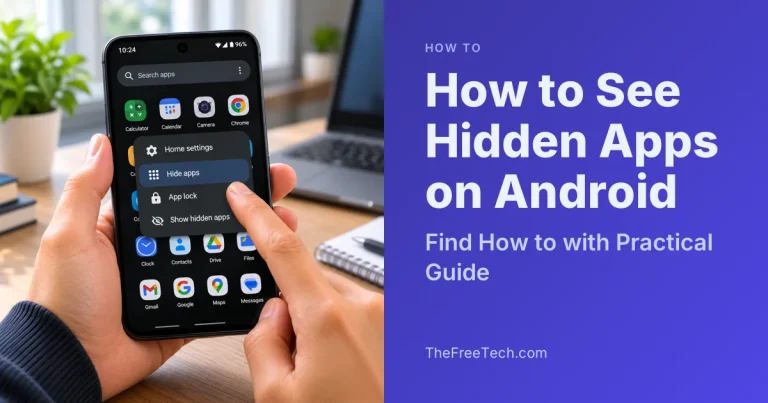
For hidden apps in Android, one should check their app drawer, the list of installed apps in Settings, and any hidden app options in the launcher used. These steps will differ depending on the phone brand, Android version, and the…
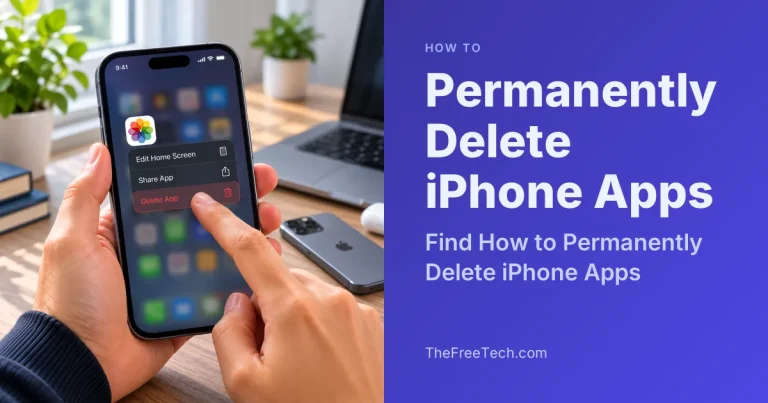
In order to remove an app from your iPhone entirely, you will need to tap and hold the app icon, select “Remove App” and choose “Delete App.” This process will remove the app itself from the device, but there might…
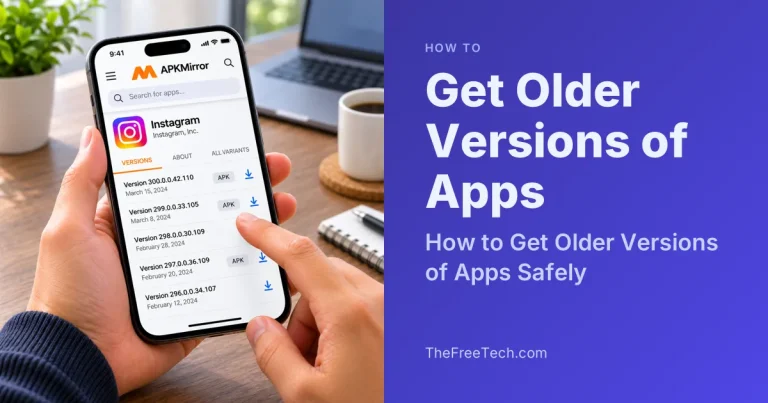
Getting older versions is determined by the type of your device. Users of Android can sometimes get an older APK file or unupdate the installed preinstalled applications. iPhone and iPad users may try getting the latest compatible version from the…
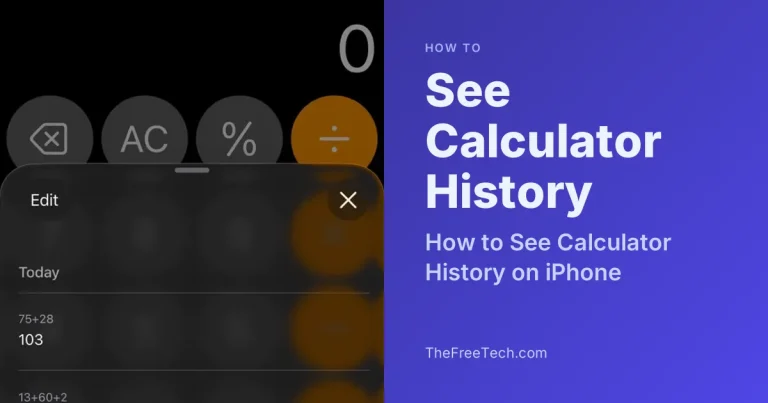
You can see your previous calculations on an iPhone using the History feature in the Calculator app, available in supported versions of iOS. Open Calculator, switch to the appropriate calculator view if needed, and look for the history control to…
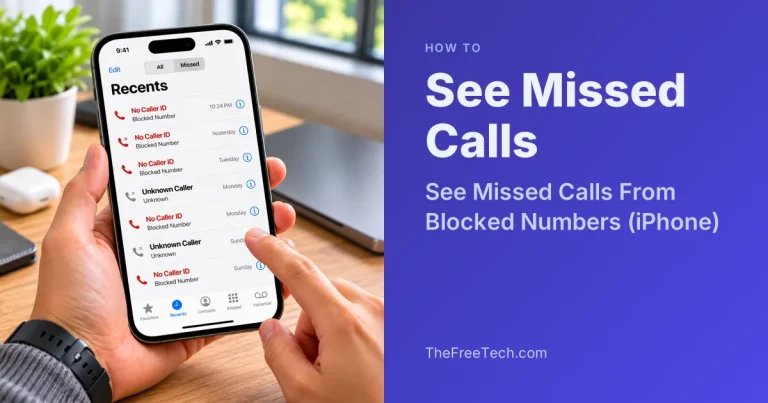
You generally cannot see missed calls from numbers you have blocked in your iPhone’s regular call history. When you block a number, your iPhone does not notify you about calls from that number, although the caller may still be able…
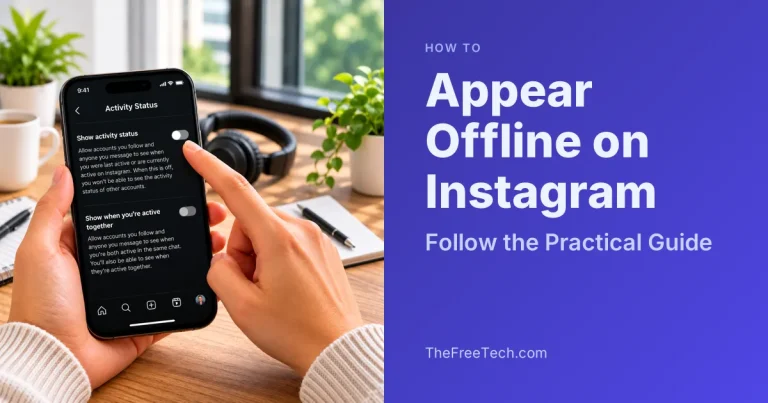
To appear offline on Instagram, turn off your Activity Status in your account settings. This hides your green activity dot and the information showing when you were last active from people who can normally see your status. You can still…
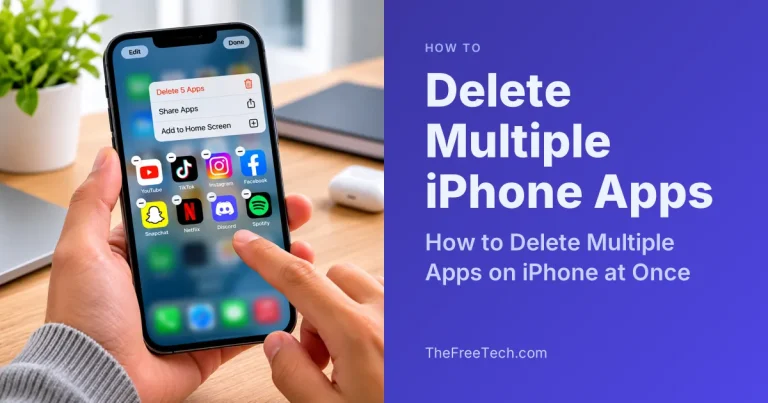
If you want to delete multiple apps on your iPhone at once, there is one important limitation: iOS does not offer a built-in feature to select several apps on the Home Screen and delete them all in a single action.…

You can change your Snapchat username once every 12 months. Open Snapchat, go to your profile, tap the Settings gear icon, and select My Account → Username → Change Username. Enter your new username, tap Next, and confirm your password…