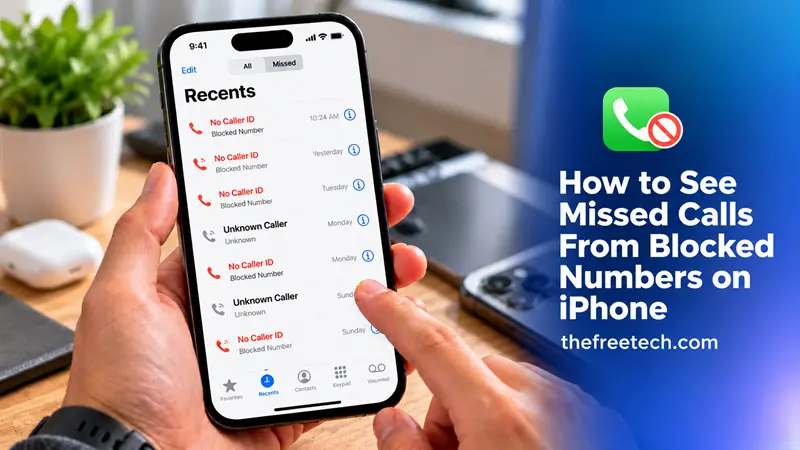
How to See Missed Calls From Blocked Numbers on iPhone

You generally cannot see missed calls from numbers you have blocked in your iPhone’s regular call history. When you block a number, your iPhone does not notify you about calls from that number, although the caller may still be able to leave a voicemail. You can check your voicemail and call-filtering settings to determine whether any calls were recorded.
1. Check Voicemail for Messages From Blocked Numbers
The first thing to do is check your voicemail. Apple explains that blocked callers can still leave voicemails, but you will not receive a notification about them.
Follow these steps:
Open the Phone app on your iPhone.
Tap Voicemail, if that tab is available.
Review the available messages for one that may have come from the blocked caller.
If you cannot find the message, contact your mobile carrier to ask how it handles voicemails from blocked callers.
Important: The exact voicemail options depend on your iOS version and carrier. A missed call does not necessarily result in a voicemail, and there may be no record available to retrieve.
2. Check Your Recent Calls
If you suspect that a number was blocked accidentally, review your recent calls to see whether a record is available.
Open the Phone app.
Tap Recents or Calls, depending on your iOS version and Phone app layout.
Look for the number or contact name.
If you find it, tap the information button to review the available details.
Keep in mind that blocked calls generally do not appear in the normal call history. If the call is missing, checking Recents repeatedly will not necessarily reveal it.
3. Check the Unknown Callers and Spam Lists
Sometimes, a call you believe was blocked was actually filtered or silenced instead. These are different features, and checking the relevant call lists may help.
On supported iOS versions:
Open Settings.
Tap Apps, then Phone.
Review the available call-filtering options.
Open the Phone app and select the filter button in the call history.
Check Unknown Callers or Spam, if those lists are available.
Apple explains that calls from unknown numbers and calls identified as spam can be filtered into separate lists when the relevant features are enabled. These lists are not the same as a list of calls from numbers you manually blocked.
For more details, see Apple’s guide to managing unknown callers.
4. Check Your Blocked Contacts List
If you are unsure whether you blocked a particular person, check your blocked contacts.
On iOS 26, the setting is generally located at:
Open Settings.
Tap Privacy & Security.
Select Blocked Contacts.
Review the listed numbers and contacts.
On older iOS versions, look under Settings > Apps > Phone > Blocked Contacts, or use the relevant blocking settings available on your device.
This list confirms which contacts are blocked; it does not provide a history of their missed calls.
5. Can You Unblock a Number to See Previous Missed Calls
Unblocking a number does not restore a missing call record or reveal a history of calls made while the number was blocked.
If you want to receive calls from that person again, you can remove the number from your blocked contacts list. However, this only changes how future calls are handled. It does not guarantee access to previous missed calls or voicemails.
If you need to know whether the person tried to contact you, check any available voicemail or ask your carrier whether it retains relevant call records.
Why Can't I See Missed Calls From Blocked Numbers
There are several reasons you may not find the call:
Blocked calls are not shown in the usual call history: Your iPhone does not provide a standard missed-call list specifically for manually blocked numbers.
Voicemail notifications are suppressed: A blocked caller may leave a voicemail without triggering a notification.
Call filtering is different from blocking: Calls categorized as unknown or spam may appear in separate lists.
Your carrier controls some call records: Your carrier may have additional call-detail information, depending on its policies and services.
Avoid apps or websites that promise to recover every blocked call. They cannot guarantee access to call information that your iPhone or carrier has not retained.
FAQ
Can I see how many times a blocked number called me?
Not necessarily. Your iPhone does not provide a dedicated counter or complete call history for manually blocked numbers. Your carrier may be able to provide limited call-detail information.
Will a blocked number appear in my Recents list?
Generally, calls from numbers blocked through Apple's built-in blocking feature do not appear in the regular call history. Filtered unknown or spam calls may appear in separate lists, depending on your settings and iOS version.
Can blocked callers leave voicemails on an iPhone?
Yes. Apple states that blocked callers can still leave voicemails, but you will not receive a notification. Whether you can access a particular message depends on your voicemail service and carrier.
Does unblocking a number show its previous calls?
No. Unblocking a number does not restore missed calls that were not recorded in your call history.
Is there an app that shows every call from blocked numbers?
There is no reliable app that can guarantee recovery of all calls blocked by the iPhone. Be cautious with apps that claim otherwise, especially if they request unnecessary access to your personal information.









