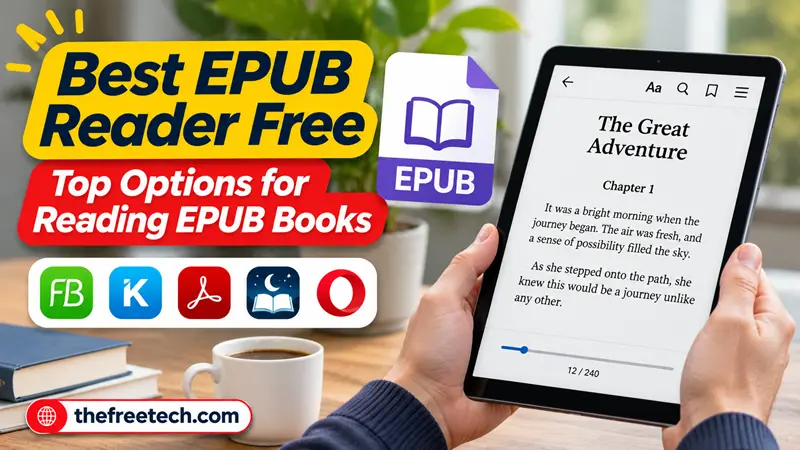
Best EPUB Reader Free: Top Options for Reading EPUB Books

When looking for a free EPUB reader, the choice is different depending on your platform: Windows, Mac, Android, iPhone, or a browser. A good free EPUB reader must be able to open EPUB files, render text properly, and provide such features as bookmarks, notes, search, and layout customization.
The first step for most users would be trying out a free EPUB reader for their platform.
What Makes a Good Free EPUB Reader
A free EPUB reader is worth using when it handles the basics well:
Reliable EPUB support: Opens standard EPUB files without broken formatting.
Comfortable reading: Lets you adjust font size, margins, colors, or page layout.
Navigation: Makes it easy to jump between chapters and sections.
Bookmarks and notes: Useful for textbooks, reference books, and study material.
Search: Helps you quickly find names, terms, or passages.
Offline access: Important if you read downloaded books without an internet connection.
Device compatibility: A good app should work smoothly on your operating system.
You don't necessarily need a reader with dozens of advanced features. For casual reading, a clean interface and dependable EPUB rendering matter more.
Best Free EPUB Reader Options
1. Calibre — best for managing an EPUB library
Calibre is a strong choice if you have a large collection of EPUB files.
It combines ebook reading with library management, allowing you to organize books, edit metadata, convert ebook formats, and manage your collection from one application. Calibre also includes a built-in ebook viewer with features such as bookmarks, highlighting, search, and table-of-contents support.
Best for: Readers who want both an EPUB reader and ebook library manager.
Official website: Calibre official website
Download: Download Calibre
2. Thorium Reader — best for a focused reading experience
Thorium Reader is designed primarily around reading rather than managing a large ebook collection.
Thorium Reader supports EPUB 2 and EPUB 3 and is available for Windows, macOS, and Linux. EDRLab describes it as free and open source, with no ads.
Best for: People who want a straightforward desktop EPUB reader.
Official website: Thorium Reader official website
3. Readium — best for standards-based EPUB reading technology
Readium is an open-source reading technology project rather than simply a single consumer EPUB reader. Its toolkits support EPUB 2 and EPUB 3 and are used as the foundation for reading applications across desktop and mobile platforms.
Best for: Users interested in Readium-based reading applications and EPUB technology.
Official website: Readium official website
Which Free EPUB Reader Should You Choose
| Your priority | Good starting choice |
|---|---|
| Manage a large ebook collection | Calibre |
| Simple desktop reading | Thorium Reader |
| EPUB reading technology and standards | Readium |
| Organizing and converting ebooks | Calibre |
The best EPUB reader free option isn't universal. Choose based on your reading habits, device, and whether you need library-management features.
How to Choose an EPUB Reader for Your Device
Before installing a reader, check four things:
1. Your operating system
Make sure the application supports your computer, phone, or tablet.
2. Your EPUB type
Standard EPUB files are generally straightforward, but books with complex layouts or DRM may behave differently.
3. Your reading habits
For occasional reading, simplicity matters. For studying or research, look for search, bookmarks, notes, and text customization.
4. Your library size
A dedicated reader is often enough for a small collection. A library manager becomes more useful as your collection grows.
What About DRM-protected EPUB Books
Not every EPUB file is simply an unrestricted document. Some ebooks are protected with digital rights management (DRM).
A free EPUB reader may open ordinary EPUB files but fail to open a DRM-protected book. That's not necessarily a problem with the reader; the ebook may require an authorized application or account associated with the store where you purchased it.
If a particular EPUB won't open, first determine whether the file is DRM-protected before switching readers.