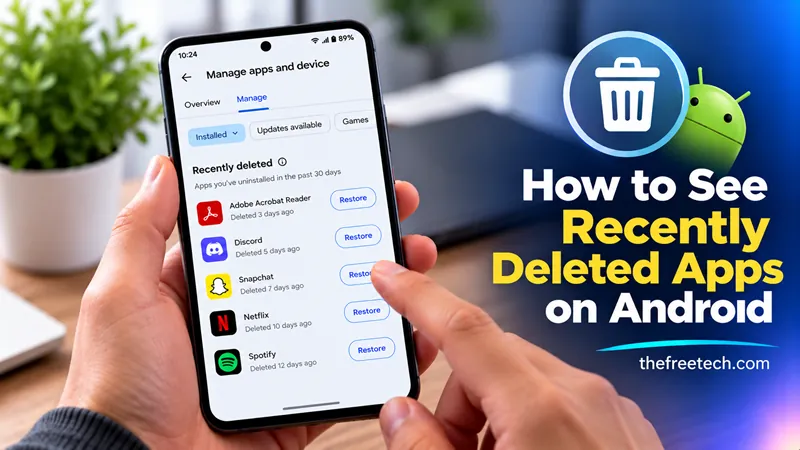
How to See Recently Deleted Apps on Android

If you accidentally deleted an app on your Android phone, you can usually find it in the Google Play Store. Open the Play Store, tap your profile picture, select Manage apps & device, then open Manage. Change the filter from Installed to Not installed to see apps associated with your Google account that are not currently on your device.
This method is especially useful if you cannot remember an app's name. However, it may not show every app you previously used, particularly apps installed from outside the Play Store or apps associated with a different Google account.
Method 1: Find Deleted Apps in Google Play Store
Follow these steps to check which apps are no longer installed on your Android phone.
Open the Google Play Store.
Tap your profile picture in the upper-right corner.
Select Manage apps & device.
Open the Manage tab.
Tap the filter labeled Installed.
Select Not installed.
You should now see apps linked to the selected Google account that are not currently installed on your device.
If you find the app you want, tap its name and select Install to download it again.
Important: The Not installed list is not a chronological history of deleted apps. It may include apps removed long ago, apps used on another device, or apps that are no longer installed for other reasons.
Method 2: Check Another Google Account
If you cannot find the missing app, check whether you downloaded it using another Google account.
Open the Play Store.
Tap your profile picture.
Switch to another Google account, if available.
Go to Manage apps & device → Manage.
Select Not installed.
Repeat these steps for any Google account you previously used on your phone.
This is important if you have multiple accounts or recently changed phones. An app may be missing from the list simply because you are viewing the wrong account.
Method 3: Check the Samsung Galaxy Store
If you use a Samsung Galaxy phone and downloaded the app from the Galaxy Store, check that store as well.
Open Galaxy Store.
Tap Menu (the three horizontal lines).
Select My apps.
Browse the list for the missing app.
Tap the download icon if the app is available.
Apps downloaded through Galaxy Store may not appear in your Google Play Store history.
Learn more: https://www.samsung.com/us/support/answer/ANS10001912/
Method 4: Check Whether the App Is Disabled or Archived
Sometimes an app is not actually deleted. It may be disabled or archived.
Check disabled apps
Open your phone's Settings.
Tap Apps or Apps & notifications, depending on your Android version.
Search for the app's name.
Open its information page.
If you see Enable, tap it to turn the app back on.
Check archived apps
On supported Android devices, an archived app may remain visible as a faded icon on your home screen or in the app drawer. Tap the icon and follow the prompts to restore it.
The advantage of restoring an archived app is that Android can retain its app data, unlike a full uninstall.
Why Can't I Find a Recently Deleted App
If the app does not appear in your history, check these common causes:
| Possible reason | What to do |
|---|---|
| Wrong Google account | Switch to the account used to download the app. |
| Downloaded from another store | Check Galaxy Store or the original app source. |
| App removed from Google Play | Search for the developer's official website. |
| App is disabled | Open Settings and look for the Enable option. |
| App is incompatible | Check whether the app supports your device and Android version. |
Google's official guide provides additional help for reinstalling and re-enabling Android apps.
FAQ
Can I see exactly when an app was deleted?
No. Google Play's Not installed list is not a deletion log, so it generally does not tell you the exact date an app was removed.
Can I recover deleted app data?
Possibly. If the app synced data to an online account or a compatible backup exists, you may be able to restore it. Reinstalling an app does not automatically recover data deleted from your device.
Can I find apps deleted months ago?
Yes, potentially. Apps associated with your Google account may remain in the Not installed list long after removal, provided they are still available and meet the relevant compatibility requirements.









