7 Best Free Coloring Apps for iPad (2026)

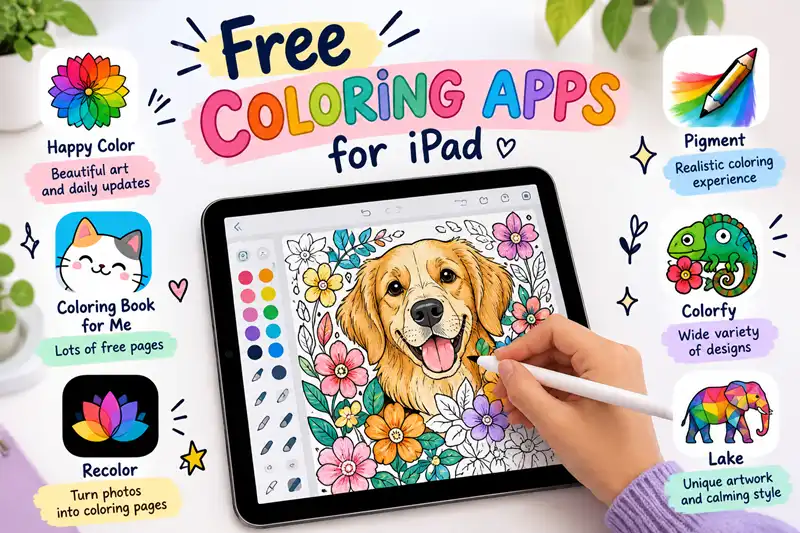
The best free coloring apps for iPad depend on how you like to color. Happy Color is a good starting point for color-by-number pictures, Pigment offers a more traditional digital coloring experience, and Sketchbook is worth considering if you want to color your own drawings.
Many coloring apps are free to download but offer additional pages, brushes, or tools through subscriptions and in-app purchases. The options below cover different coloring styles so you can find one that fits your needs.
Quick Comparison: Free Coloring Apps for iPad
| App | Best for | Coloring style |
|---|---|---|
| Happy Color | Relaxing activities | Color by number |
| Pigment | Adult coloring | Digital pencils and brushes |
| Colorfy | Patterns and mandalas | Digital coloring pages |
| Recolor | Detailed illustrations | Adult coloring books |
| Sketchbook | Original artwork | Freehand drawing and coloring |
Check each app's current iPad App Store listing for its free features, compatibility, and subscription requirements.
1. Happy Color: Best for Color-by-Number
Happy Color is a good choice if you want a simple coloring activity without having to choose every color yourself. The app uses numbered sections that you fill with matching colors.
What you'll like:
Easy-to-follow coloring mechanics
Illustrations featuring animals, flowers, landscapes, and other subjects
A relaxing activity for short breaks
What to consider: Ads and optional purchases may be part of the experience.
Best for: Beginners and anyone who enjoys completing pictures one section at a time.
2. Pigment: Best for Adult Coloring
Pigment is designed for people who prefer a more traditional coloring-book experience on a screen. Depending on the available tools, you can work with digital pencils, markers, and brushes.
What you'll like:
Detailed illustrations
More hands-on coloring than basic color-by-number apps
A good option to explore if you use an Apple Pencil
What to consider: Some pages and features require a paid subscription.
Best for: Adults who enjoy detailed pictures and want more control over their coloring.
3. Colorfy: Best for Patterns and Mandalas
Colorfy focuses on digital coloring pages, including patterns, floral designs, and mandalas.
What you'll like:
Designs suited to quiet, relaxing coloring sessions
A range of patterns and illustrations
An accessible alternative to freehand drawing apps
What to consider: Check which designs are included for free before subscribing.
Best for: Users who enjoy symmetrical patterns, flowers, and decorative artwork.
4. Recolor: Best for Detailed Illustrations
Recolor offers adult-oriented coloring pages with themes such as animals, portraits, fantasy illustrations, and flowers.
What you'll like:
A variety of illustration styles
Options for people who prefer detailed pictures
A coloring-book format rather than a blank drawing canvas
What to consider: Premium content and additional features may require payment.
Best for: People who want to explore different illustration themes.
5. Sketchbook: Best for Coloring Your Own Drawings
Sketchbook is different from the other apps on this list. Instead of concentrating on ready-made coloring pages, it provides drawing tools for creating and coloring artwork.
What you'll like:
Digital drawing tools and brushes
The ability to work on your own illustrations
A flexible workflow for freehand coloring
What to consider: You may need to import a coloring page or draw your own outlines. It is not primarily a coloring-book app.
Best for: Artists and Apple Pencil users who want greater creative control.
Which Free Coloring App Should You Choose
For simple, relaxing coloring: Start with Happy Color.
For adult coloring pages: Compare Pigment and Recolor.
For mandalas and decorative patterns: Try Colorfy.
For your own drawings: Consider Sketchbook.
For children: Look for a simple interface, age-appropriate content, and manageable advertising or purchase prompts.
How to Find a Coloring App That Is Actually Free
Before installing an app, check these four things:
Free content: Does the free version include enough coloring pages to keep using it?
Subscriptions: Are the main features available without a recurring payment?
Ads: Will advertising interrupt the coloring experience?
iPad compatibility: Confirm that the app supports your iPad and, if needed, your Apple Pencil.
If you want to color without paying, prioritize apps that offer useful free content rather than choosing solely by the number of pages advertised.
FAQ
Are there completely free coloring apps for iPad?
Some apps offer free coloring experiences, but others restrict pages or tools to paying subscribers. Review the current App Store listing and in-app purchase details before installing.
What is the best free coloring app for adults on iPad?
Pigment and Recolor are worth comparing for adult coloring pages. Their free content and premium restrictions may differ, so check both before choosing.
Which coloring apps work with Apple Pencil?
Drawing-focused apps such as Sketchbook are worth exploring for Apple Pencil use. For coloring-book apps, verify current stylus support and available features in the App Store.
Can I use coloring apps without Wi-Fi?
Offline access depends on the app and the content you want to use. Check whether pages can be downloaded and opened offline before relying on an app while traveling.




