Free Habit Tracker Apps: Complete Guide to Top Picks

The best free habit tracker apps help you build consistent routines without requiring a paid subscription. Loop Habit Tracker is a strong choice for Android users who want detailed statistics without ads, while Habitica suits people who enjoy turning daily goals into a game. Your best option depends on your device, preferred tracking style, and which features you need for free.
Some apps are completely free for their core functionality, while others offer free plans alongside optional subscriptions. Check current plan limits before committing.
Best Free Habit Tracker Apps at a Glance
App | Best for | What stands out |
|---|---|---|
Loop Habit Tracker | Android users | Open-source tracking, reminders, charts |
Habitica | Gamified habits | RPG rewards, levels, and challenges |
TickTick | Habits and tasks together | Task management and productivity tools |
HabitBull | Visual progress tracking | Habit records and progress monitoring |
Everyday | Streak-focused tracking | Visual chains of completed days |
Productive | Structured routines | Routine planning and reminders |
Notion | Custom habit dashboards | Flexible tables, calendars, and templates |
Availability, platform support, and free-plan restrictions vary. Confirm current details in the official app listing before choosing.
1. Loop Habit Tracker — Best for straightforward tracking on Android

Why consider it: Loop is an open-source habit tracker with no ads, individual reminders, flexible schedules, and detailed statistics. It also works offline without requiring an online account.
Best for: People who want a simple, data-focused tracker without subscription pressure.
Limitation: It is primarily an Android option, so check alternatives if you need a shared iPhone and Android workflow.
Get it from Google Play.
2. Habitica — Best for making habits feel like a game

Why consider it: Habitica turns habits and daily tasks into a role-playing game. Completing tasks earns in-game rewards, while challenges and group activities can add accountability. The core experience is available for free, with optional purchases and subscriptions.
Best for: People who find checklists boring and enjoy rewards, characters, and progression.
Limitation: The game mechanics and extra features may feel distracting if you only want a clean daily checklist.
Get it from Habitica's website.
3. TickTick — Best for habits and to-do lists in one place

Best for: People who prefer one productivity app rather than separate habit and task trackers.
Limitation: Some advanced capabilities are paid. Verify which habit-tracking and planning features are included in the current free plan.
Explore TickTick.
4. HabitBull — Best for monitoring progress

Why consider it: HabitBull is an option to investigate if you want to record recurring behaviors and review your consistency over time.
Best for: People who want to see patterns in their habits rather than simply check off tasks.
Limitation: Confirm current platform availability and free-tier restrictions before installing; these details can change.
5. Everyday — Best for visual streaks

Best for: Visual learners who like seeing a record of consecutive successful days.
Limitation: Check device compatibility, synchronization, and the number of habits available without paying.
6. Productive — Best for planned routines

Best for: People building morning, evening, exercise, or study routines.
Limitation: Treat it as a freemium option until you verify which routines, reminders, and tracking features are free.
7. Notion — Best for a customizable habit tracker

Best for: People who enjoy customization and want habit tracking alongside notes, projects, or study plans.
Limitation: Setup takes more effort than using a dedicated app, and automatic reminders or advanced tracking may require additional configuration.
Explore Notion's templates.
How to choose the right free habit tracker
Before installing an app, decide what you need most.
If you want… | Start with… |
|---|---|
Free, ad-free tracking on Android | Loop Habit Tracker |
Game mechanics and rewards | Habitica |
Habits alongside everyday tasks | TickTick |
A highly customizable dashboard | Notion |
Structured reminders and routines | Productive |
These are starting points, not a claim that every listed feature is included in every free plan.
Check five things before settling on an app:
Habit limits: Can you add all the habits you need without upgrading?
Reminders: Are scheduled notifications included in the free version?
History and statistics: Can you review previous weeks and months?
Device support: Does it work on your phone, and can it sync with other devices if needed?
Data control: Can you export your records, and are you comfortable with the app's privacy policy?
How to Start Tracking Habits Without Making It Complicated
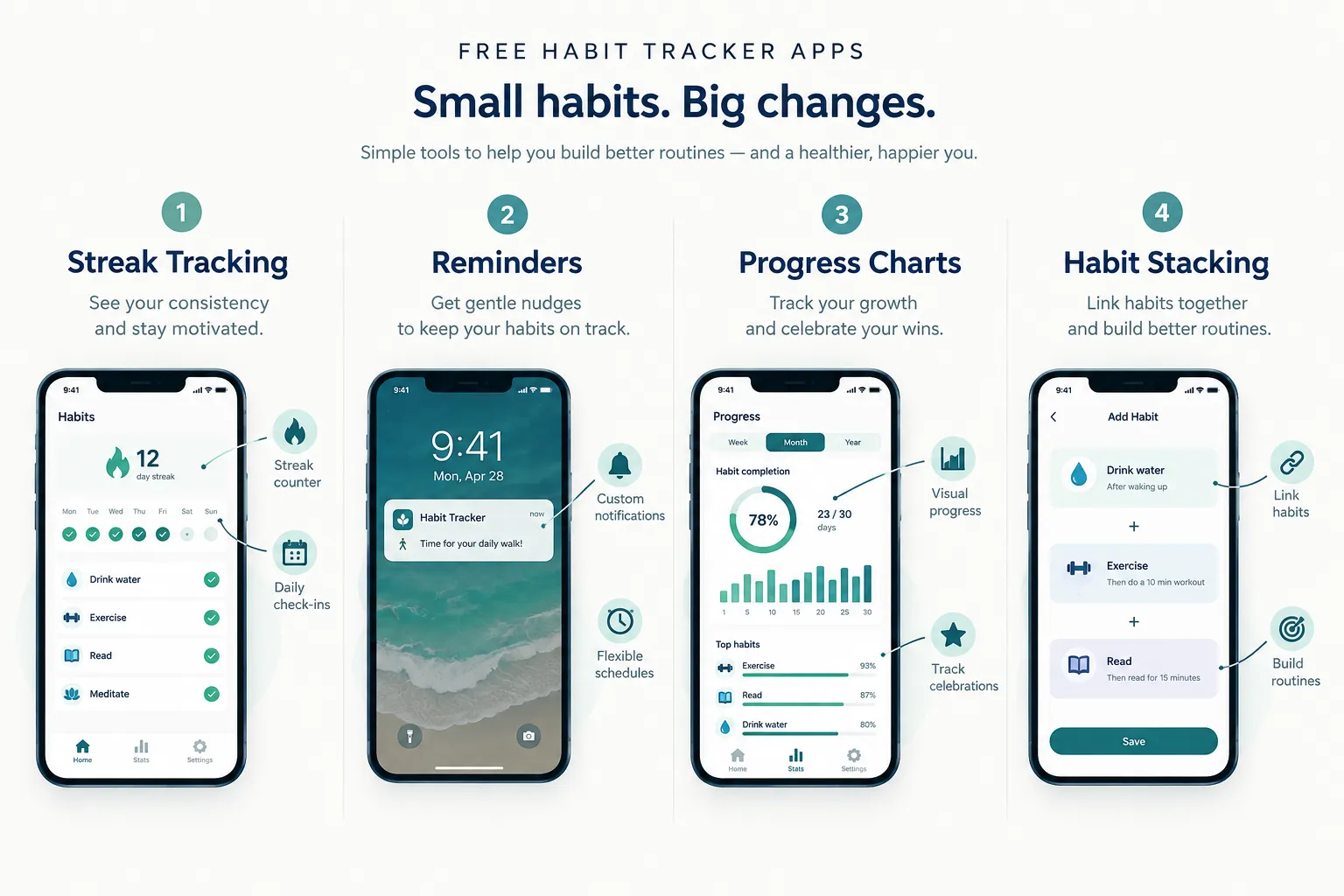
You don't need to track every part of your life. Start with three habits that support a routine you already want to improve.
For example:
Read for 10 minutes
After dinner · Daily
Take a short walk
After lunch · 5 days a week
Start bedtime preparation
At 10:00 p.m. · Daily
For each habit, choose a specific action and a realistic schedule. Set reminders only where they are useful, then review your progress once a week.
A missed day should be information, not a reason to abandon the routine. If a habit is repeatedly difficult to complete, make the action smaller or adjust when you plan to do it.
FAQ
Are free habit tracker apps really free?
Some are free for their core functionality, while others use a freemium model. Loop Habit Tracker is advertised as free, open-source, and ad-free on Android. Habitica offers a free core experience alongside optional purchases and subscriptions.
Always check for habit limits, paid reminders, and subscription requirements before entering your data.
What is the best free habit tracker for Android?
Loop Habit Tracker is a strong starting point if you want reminders, flexible schedules, progress charts, and offline use without ads.
What is the best free habit tracker for iPhone?
The right choice depends on whether you prefer a simple checklist, gamification, or a customizable dashboard. Compare the current iOS listings and free plans for Habitica, TickTick, and other available options before deciding.
Can I track habits without downloading an app?
Yes. A spreadsheet, paper checklist, calendar, or Notion template can work well. A dedicated app becomes more useful when you want recurring reminders, automatic streak calculations, or detailed statistics.
How many habits should I track at once?
Start with two or three. This makes it easier to learn the app and establish a manageable routine before adding more habits.




